Skip to content

Free to start · No credit card required

A link-in-bio page for your content, bookings, and audience.

Show more than a list of links. Share what you make, invite people to book or subscribe, and see what gets clicks—all in a page that feels like your brand.

Start with a template. Make it yours as you grow.

New collection is here

@maya-creates

Maya Chen

Art, process and new releases in one place.

Explore the new collectionPrints, originals and stories
Open on YouTube
New art, straight to your inbox

Get first looks and launch notes.

By subscribing you agree to receive emails from Maya Chen. Unsubscribe anytime. Privacy

Made for your next step

A page that fits the work you do.

These sample pages use LinkNest’s actual layouts and content blocks.

New collection is here

@maya-creates

Maya Chen

Art, process and new releases in one place.

Explore the new collectionPrints, originals and stories
Open on YouTube
New art, straight to your inbox

Get first looks and launch notes.

By subscribing you agree to receive emails from Maya Chen. Unsubscribe anytime. Privacy

Creators and small brands

Share a new release, let people watch, and invite them to subscribe.

See how it works →

@north-studio

North Studio

Thoughtful design for small businesses.

See recent workSelected projects
Our services
About the studio
Open on Calendly

Freelancers and service businesses

Show your portfolio, explain your services, and offer a booking step.

See how it works →

@studio-projects

Studio Projects

A home for our work, writing and experiments.

Studio portfolioDesign projects
JournalIdeas and notes
Book a call
Follow the projects

By subscribing you agree to receive emails from Studio Projects. Unsubscribe anytime. Privacy

Several brands or projects

Keep distinct projects organized, with up to five pages on Pro.

See how it works →

Examples are fictional. Buttons and forms in these previews are for illustration only.

Start with taste. Make it yours.

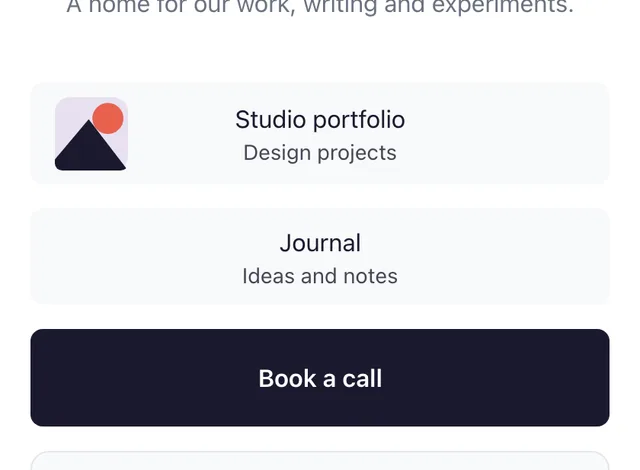
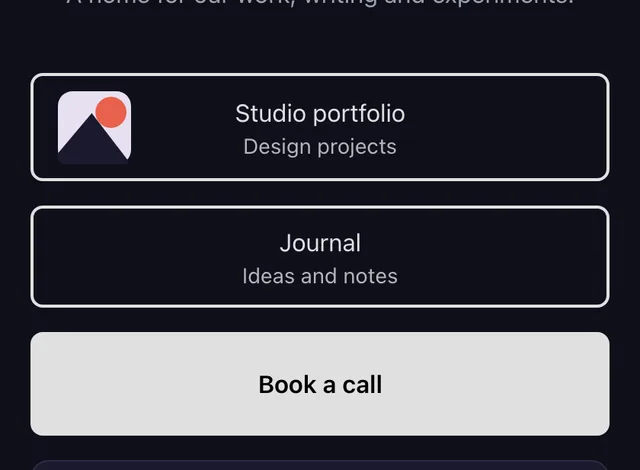
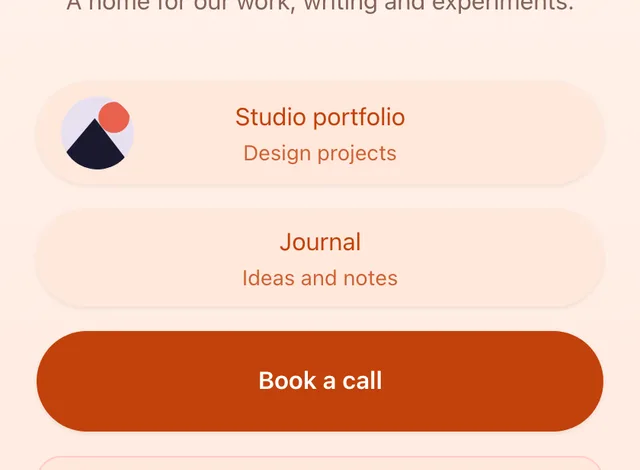
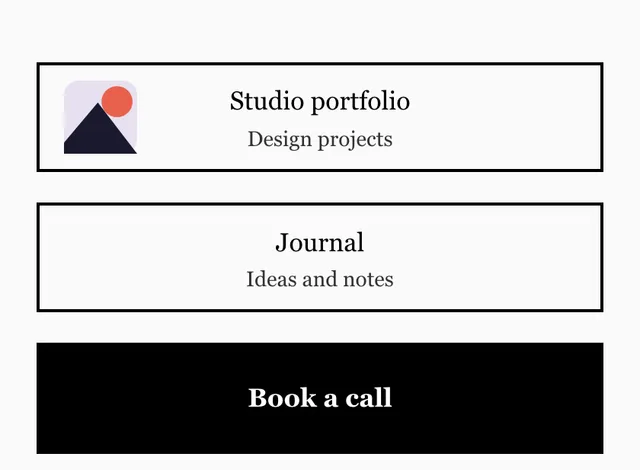
Choose from eight templates, including two Pro layouts. These previews show LinkNest's actual rendered pages.

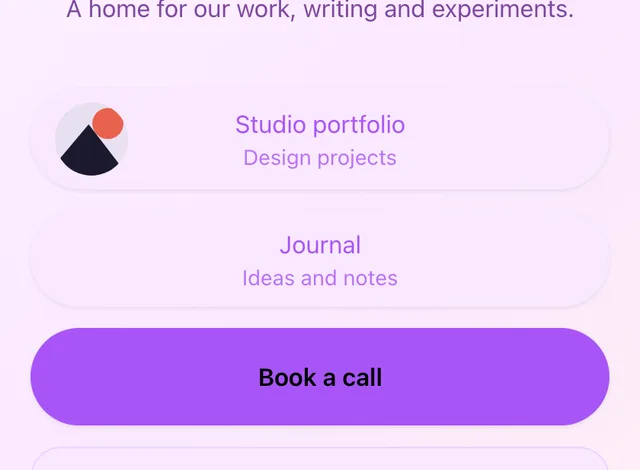
Example page rendered with the Clean Slate template

Clean Slate

Minimal and universally clean. The perfect starting point.

Example page rendered with the Midnight template

Midnight

Dark mode elegance for creators and musicians.

Example page rendered with the Coral Reef template

Coral Reef

Warm gradients and rounded corners for lifestyle brands.

Example page rendered with the Ink template

Ink

High contrast and bold typography for writers.

Example page rendered with the Pastel Dream template

Pastel Dream

Soft pastels and playful energy for Gen-Z creators.

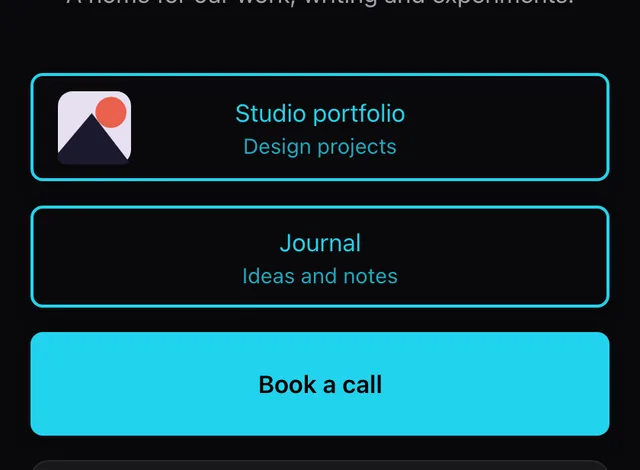
Example page rendered with the Neon Glow template

Neon Glow

Dark with neon accents for DJs, gaming, and nightlife.

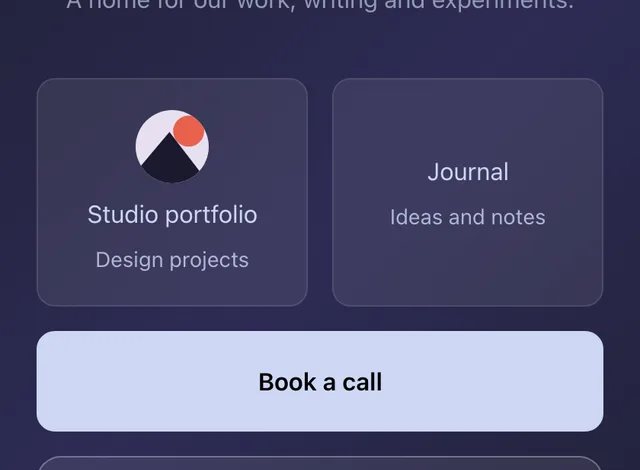
Example page rendered with the Glass template

Glass

Glassmorphism with blur effects. Visually striking.

PRO
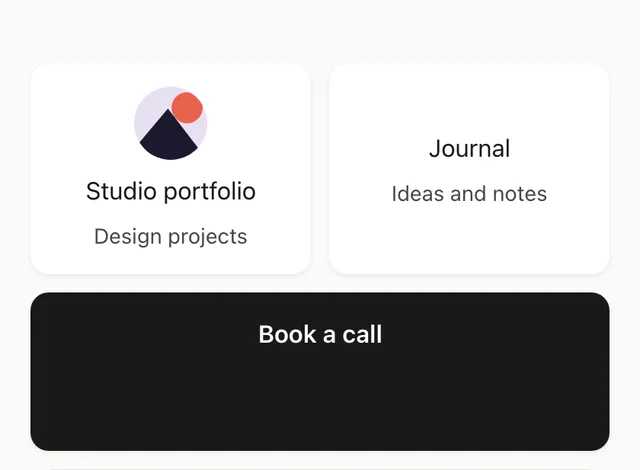
Example page rendered with the Bento Box template

Bento Box

Bento grid layout with varied sizes. High wow factor.

PRO

More than links

One page that works harder for you.

Your audience should be able to explore your work, take the next step and stay in touch without hunting across profiles.

01

Show more of what you do

Put rich link cards, videos, music, social profiles and bookings together. Give the work that matters most a prominent place.

Explore content and bookings →
02

Grow an audience you can reach

Let visitors join your email list right on your page. Every subscription uses confirmation, and Pro gives you unlimited subscribers plus CSV export.

See email capture →
03

Learn what gets attention

See views, link clicks, your top links and referring sites. Check counts beside blocks while you edit, then make better choices about what to feature.

See link analytics →

A stronger page for every project.

Start with a polished template, then give key links more room with a thumbnail, description or featured style. Grid layouts make room for different sizes—even on mobile. Pro lets you manage five pages and duplicate one as a starting point for another project.

Explore page design →

@north-studio

North Studio

Thoughtful design for small businesses.

See recent workSelected projects
Our services
About the studio
Open on Calendly

Give visitors a browser option

On supported Instagram, Facebook, Messenger and Threads mobile browsers, LinkNest can offer visitors an option to open your page in their browser. They can stay on the page either way.

How it works →

Simple, transparent pricing.

Free forever. Upgrade when you're ready.

MonthlyYearly save 25%

Free

$0/month

Everything you need to get started

Get Started Free
  • 1 page
  • Up to 50 links & blocks
  • 6 templates
  • 5 curated color palettes
  • 6 system fonts
  • 3 button styles
  • 7-day views, link clicks, top links & sources
  • 50 MB storage
  • Email sign-ups (up to 100 subscribers)
More room to grow

Pro

$8/month

For creators ready to stand out

Start free

Upgrade from your dashboard.

  • Everything in Free
  • 5 pages
  • Up to 100 links & blocks
  • All 8 templates, including 2 premium
  • Custom hex colors (any color)
  • 30+ Google Fonts
  • 6 button styles
  • 90-day views, link clicks, top links & sources
  • 500 MB storage
  • Remove LinkNest badge
  • Unlimited email subscribers + CSV export
  • Email support

Questions before you start?

What can I put on my LinkNest page?

Add link cards with thumbnails and descriptions, headings, text, images, social icons, an announcement banner, an email sign-up form, and supported YouTube, Vimeo, Spotify or Calendly embeds. Feature a key link and arrange blocks visually.

Is LinkNest free?

Yes. Free includes one page, up to 50 links and blocks, 6 templates, email sign-ups for up to 100 confirmed subscribers, and 7 days of reporting. No credit card is required to start.

Can I collect email sign-ups?

Yes. Add an email block to your published page. Visitors confirm by email before joining your list. Free supports 100 confirmed subscribers across your workspace; Pro removes that limit and adds CSV export. LinkNest does not send newsletters.

What does the analytics report show?

See page views, link clicks, top links and referring sites. Counts also appear beside blocks in the editor. Free includes 7 days and Pro includes up to 90 days. Clicks per view divides total clicks by views; it is not a unique-visitor conversion rate.

How can I customize a page?

Start with a template and arrange your content. Free offers curated palettes and 6 system fonts. Pro adds premium templates, custom hex colors, 30+ Google Fonts, 6 button styles and badge removal.

Can I manage more than one page?

Pro supports up to 5 pages. You can duplicate a page as a draft to reuse its design and blocks. Analytics and published status do not copy over.

What happens when I cancel Pro?

Pro lasts through your paid period. After a seven-day downgrade grace period, the oldest published page remains live under the Free one-page limit; additional pages are unpublished and kept as drafts. You can upgrade again to publish them.

Will my page appear in Google immediately?

You can share a published page right away. Newly published Free pages are kept out of search indexing for their first 14 days. Search engines decide when and whether to index eligible pages.

Your audience is already looking for you.

Give them one beautiful place to find everything. Start your LinkNest for free—no credit card required.

Create Your LinkNest — Free